 Anxiety journal for iPhone
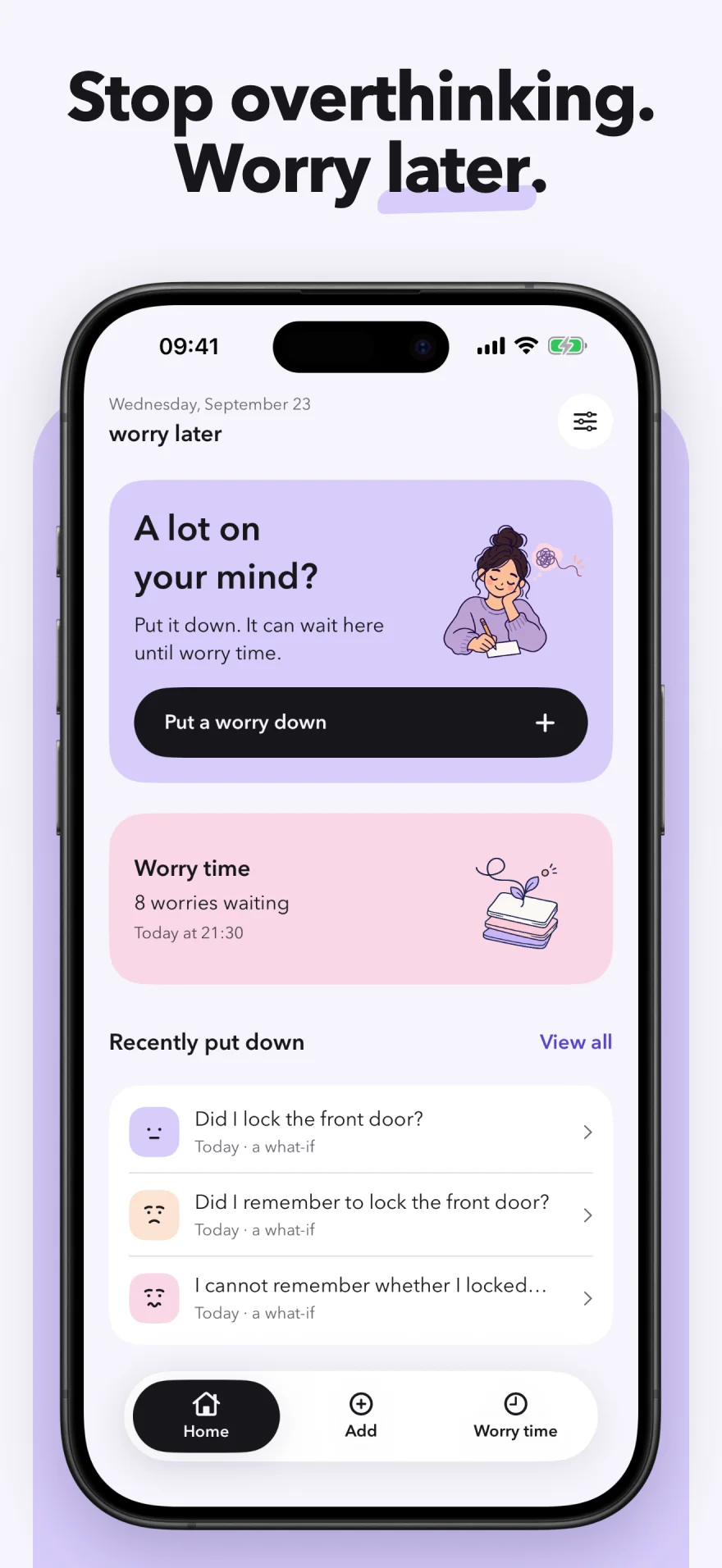
Stop overthinking. Worry later.
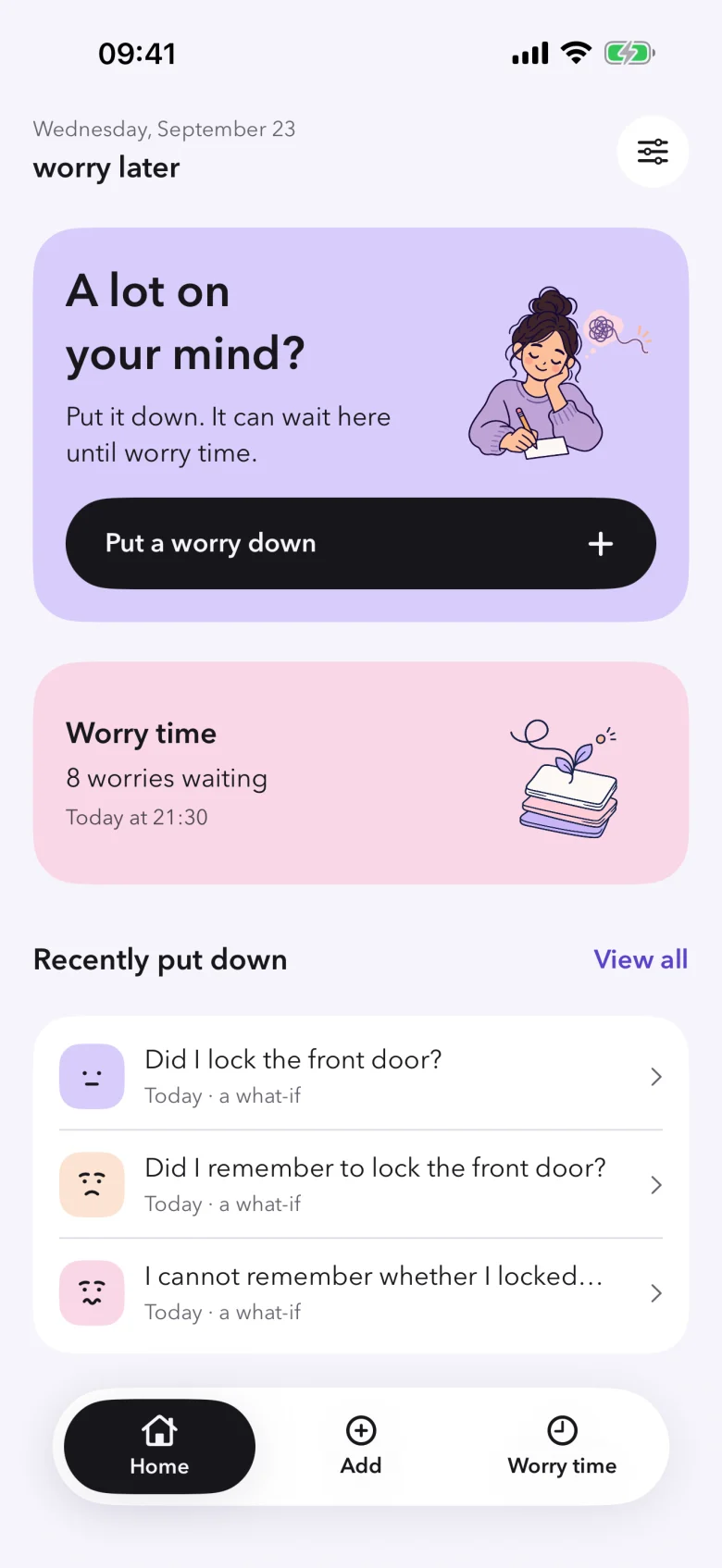
Worry Later gives every worry a time and a place. Put it down in seconds, let it wait for your daily worry time, and find out how many were only what-ifs.

- No account
- No ads
- Stays on your iPhone

How worry time works
It doesn’t ask you to stop worrying. It helps you choose when.
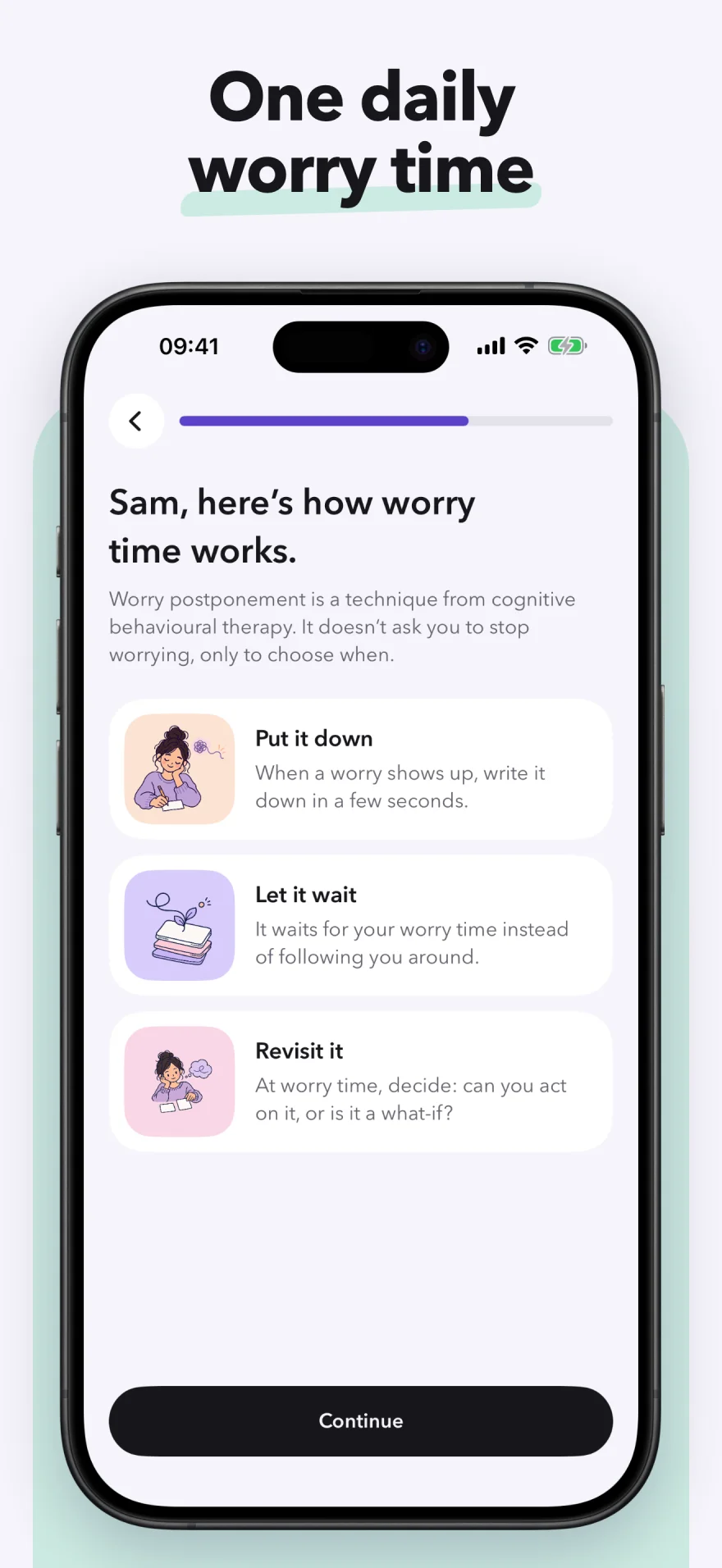
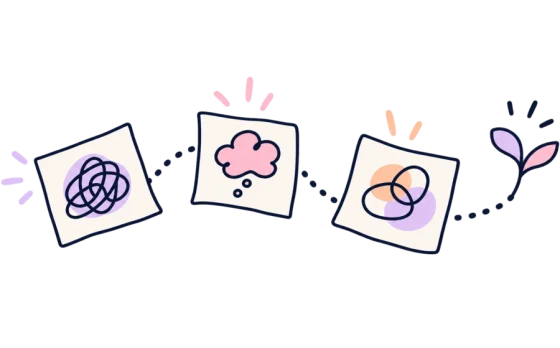
Worry postponement is a technique from cognitive behavioural therapy. Instead of arguing with every thought as it arrives, you give worries one short, scheduled window and keep the rest of your day.

01When it shows up
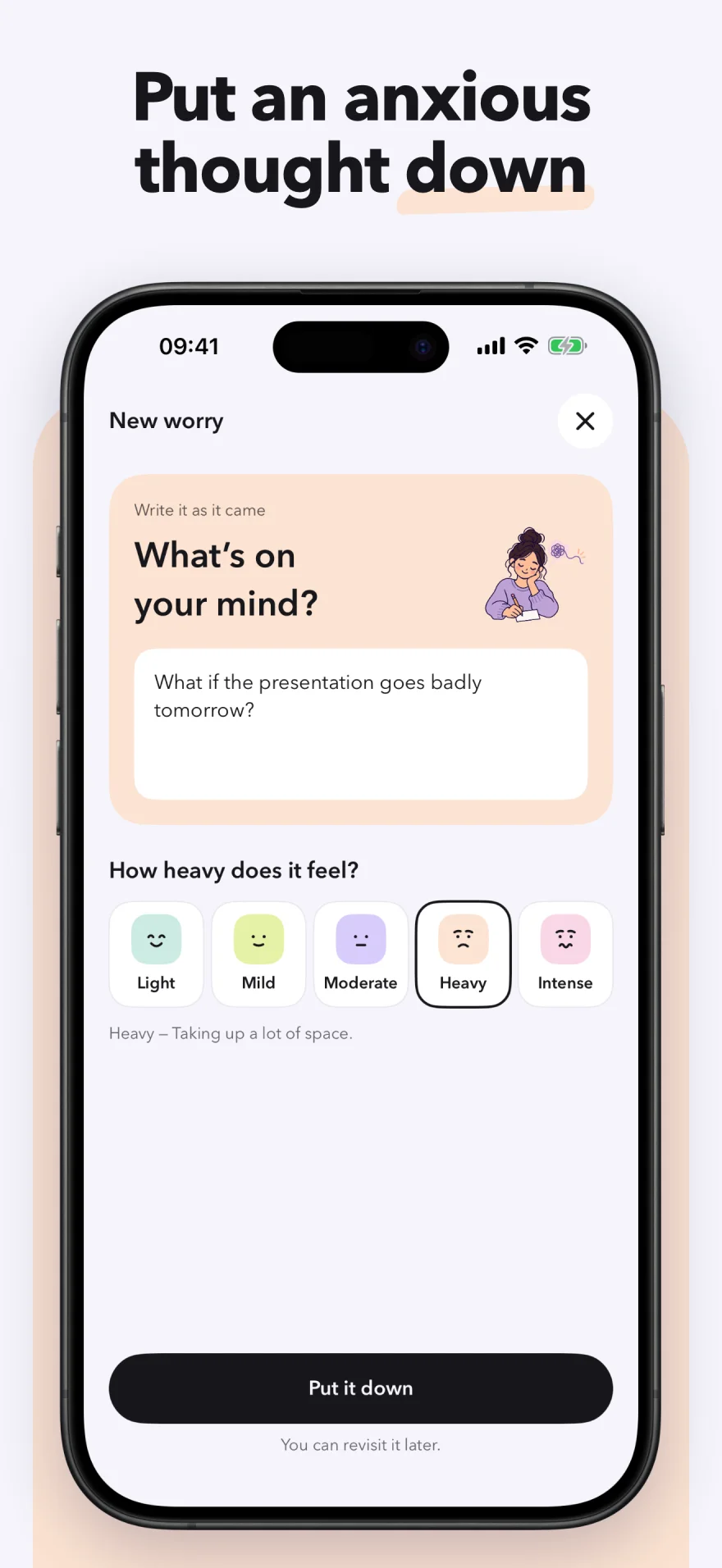
Put it down
Write the worry as it came and mark how heavy it feels. It takes seconds. No streaks, no long prompts, no pressure to solve it now.

02Through the day
Let it wait
It waits for your daily worry time instead of following you around, so you can get back to your day, or your sleep.

03At worry time
Revisit it
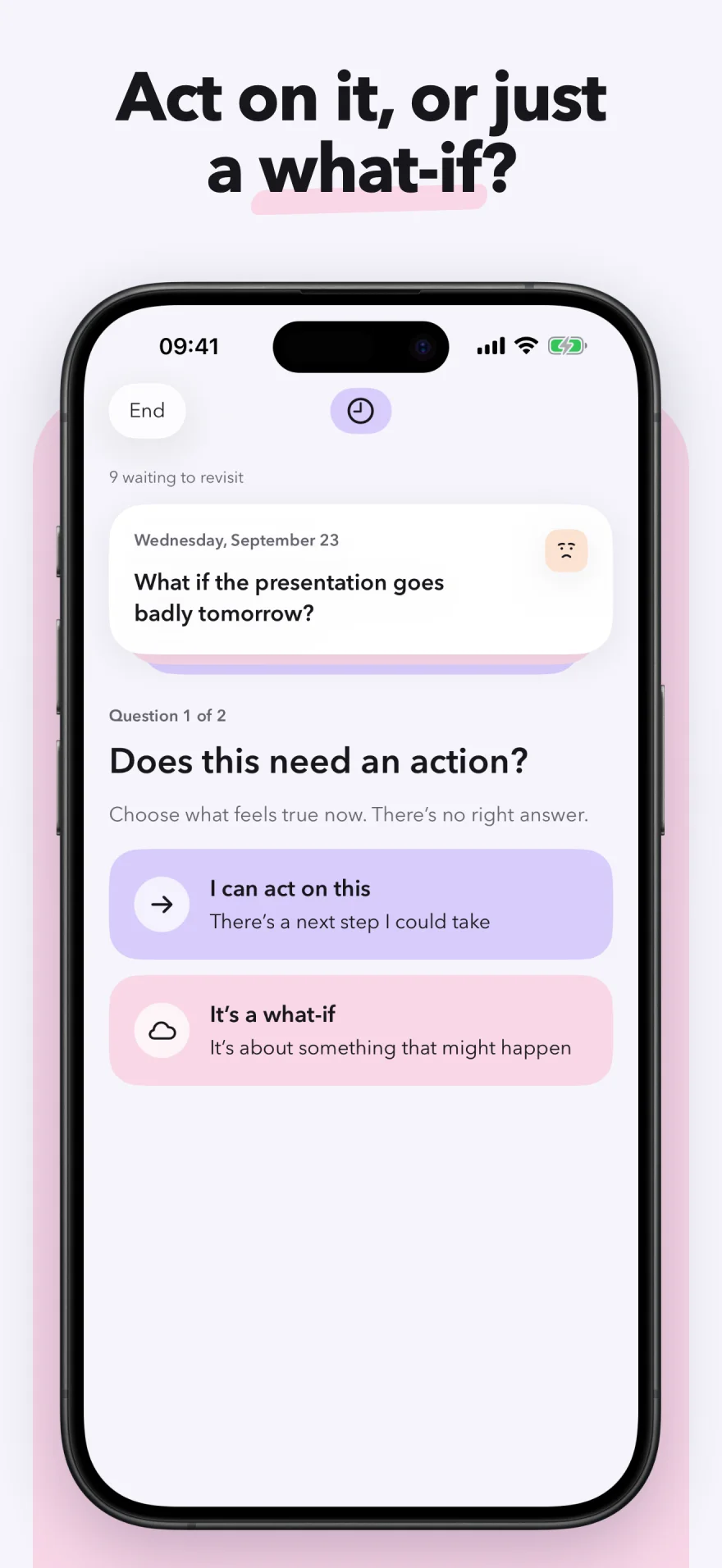
Look again with more distance. Can you act on it, or is it a what-if? Did worrying give you a next step, or keep you circling?
Inside the app
Calm, quick, and a little bit doodled.
Soft pastels, hand-drawn ink, and no clutter. Every screen is built to take seconds when your head is loud.
See your real number
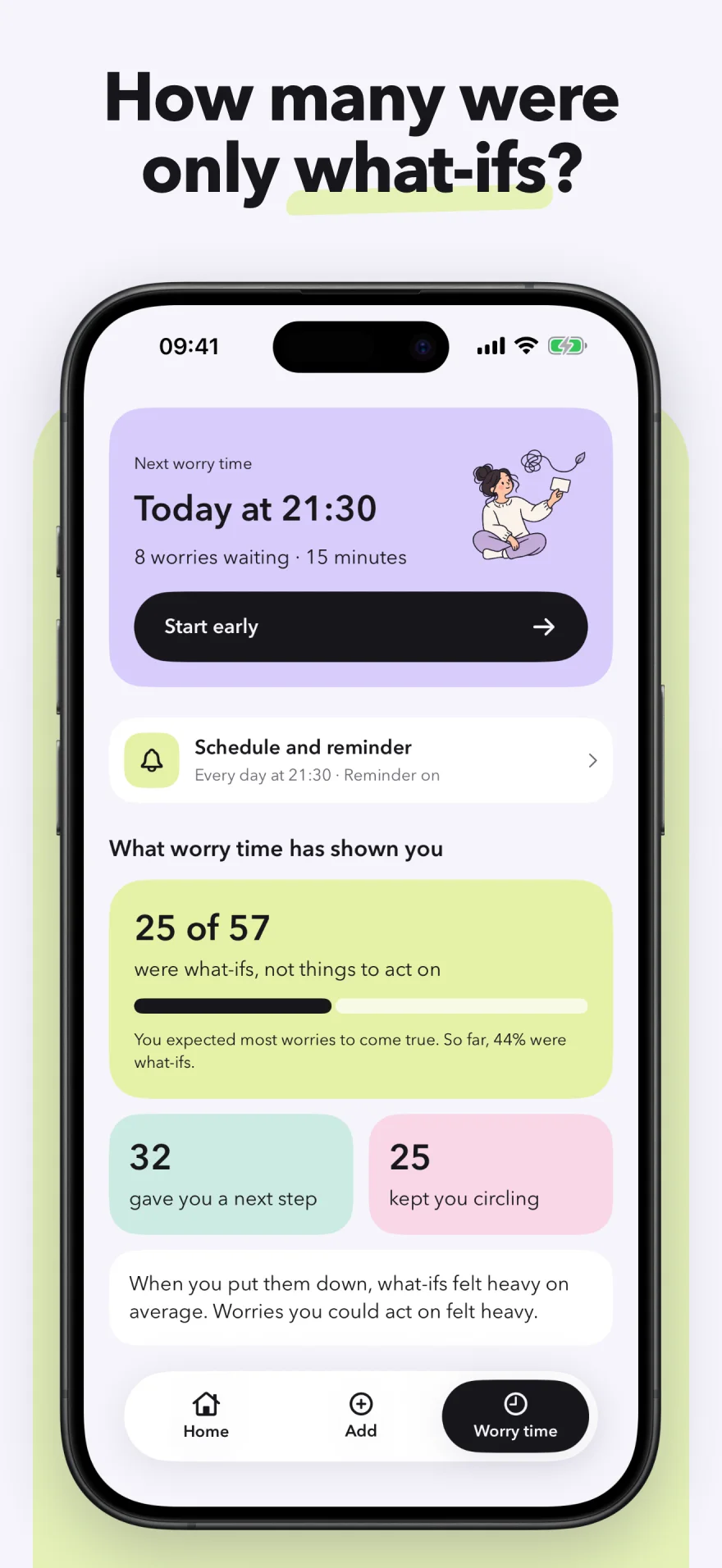
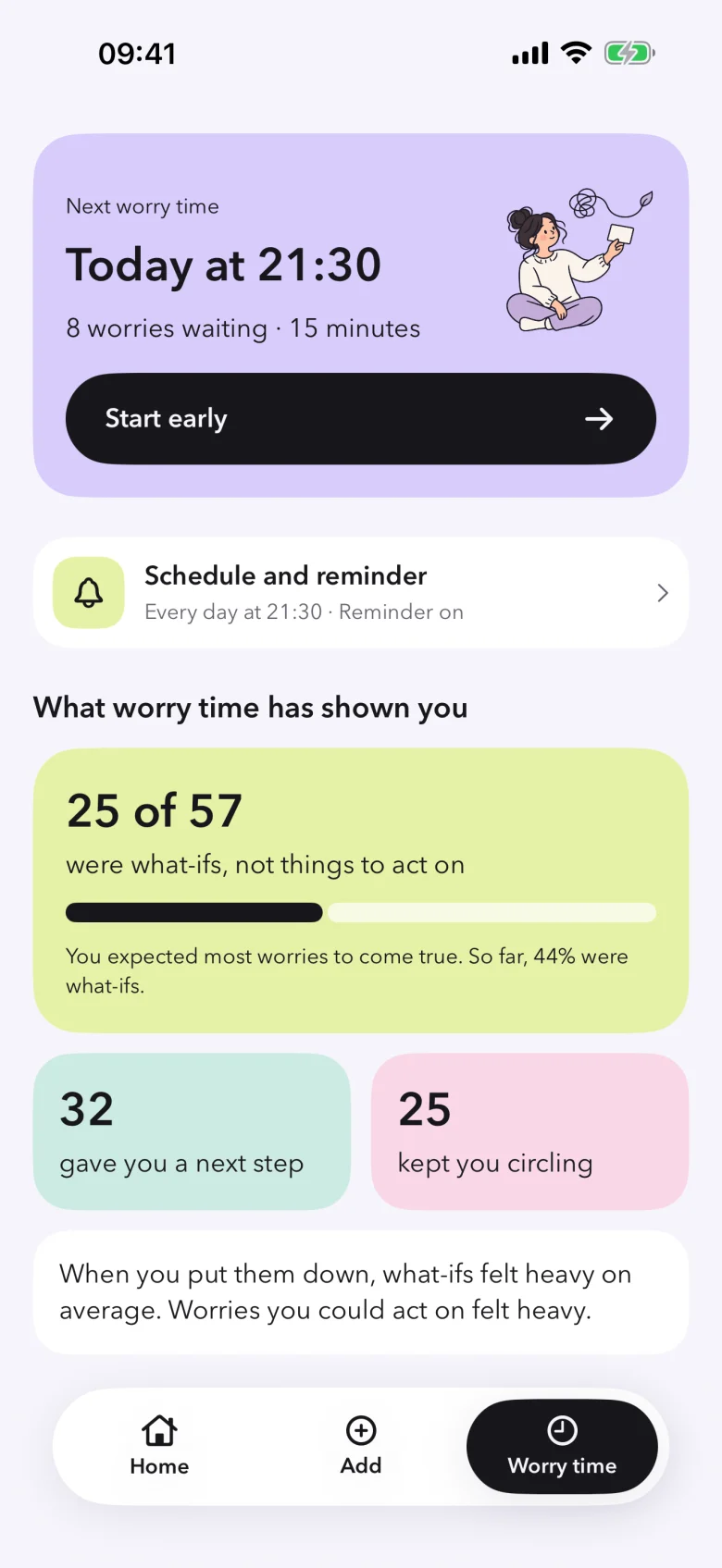
How many were only what-ifs?
At the start you guess how many of your worries come true. Worry time quietly tests that guess against what actually happened.
Within a week you can see how many of your worries turned out to be what-ifs, which gave you a next step, and which kept you circling.
Example numbers from a sample plan.

Build your plan
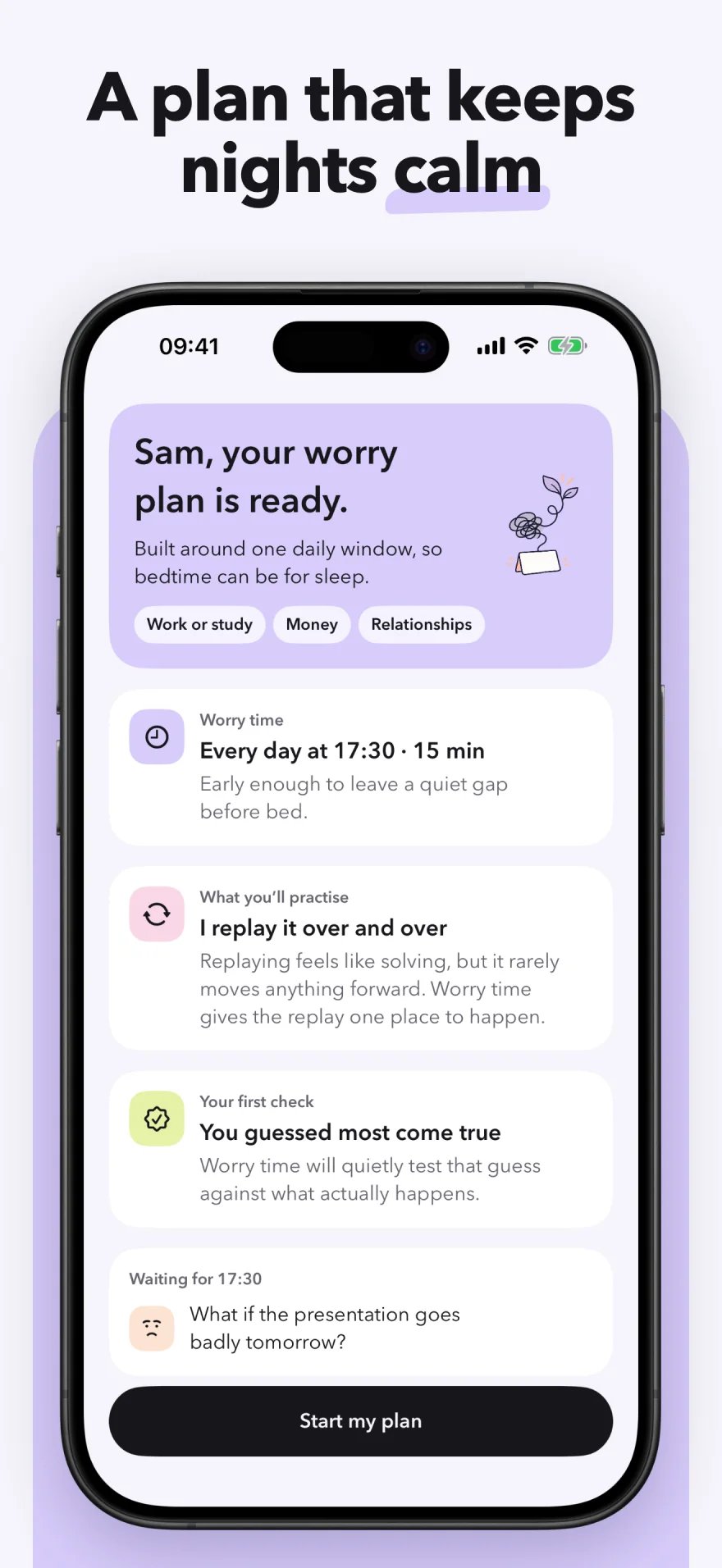
A plan that keeps nights calm.
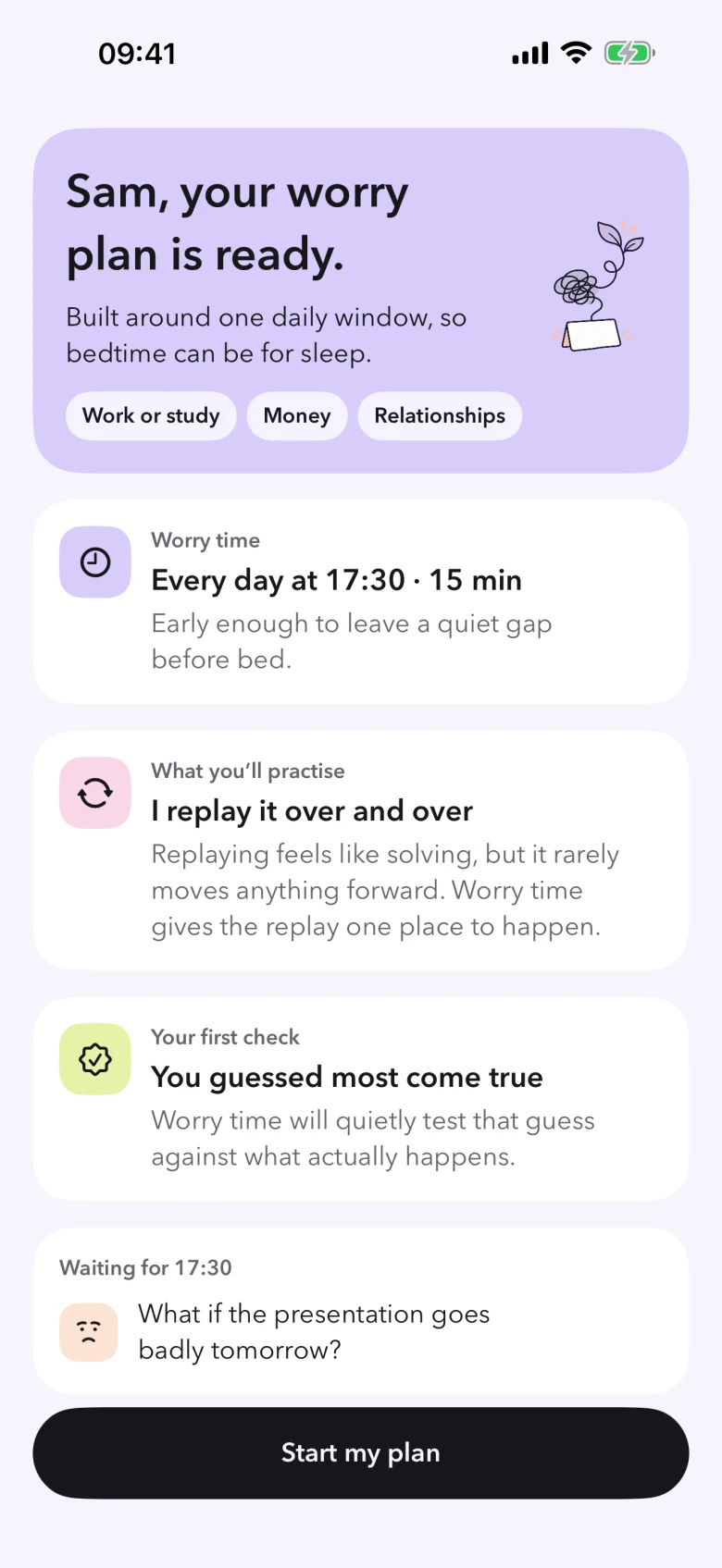
Answer a few quick questions about when worries show up and what they tend to be about. Worry Later suggests a daily worry time and length that fit your day, and keep your evenings clear for sleep.
- A gentle reminder with how many worries are waiting
- Put a worry down from your Lock Screen or Control Center
- Change your worry time whenever your days change

Private by design
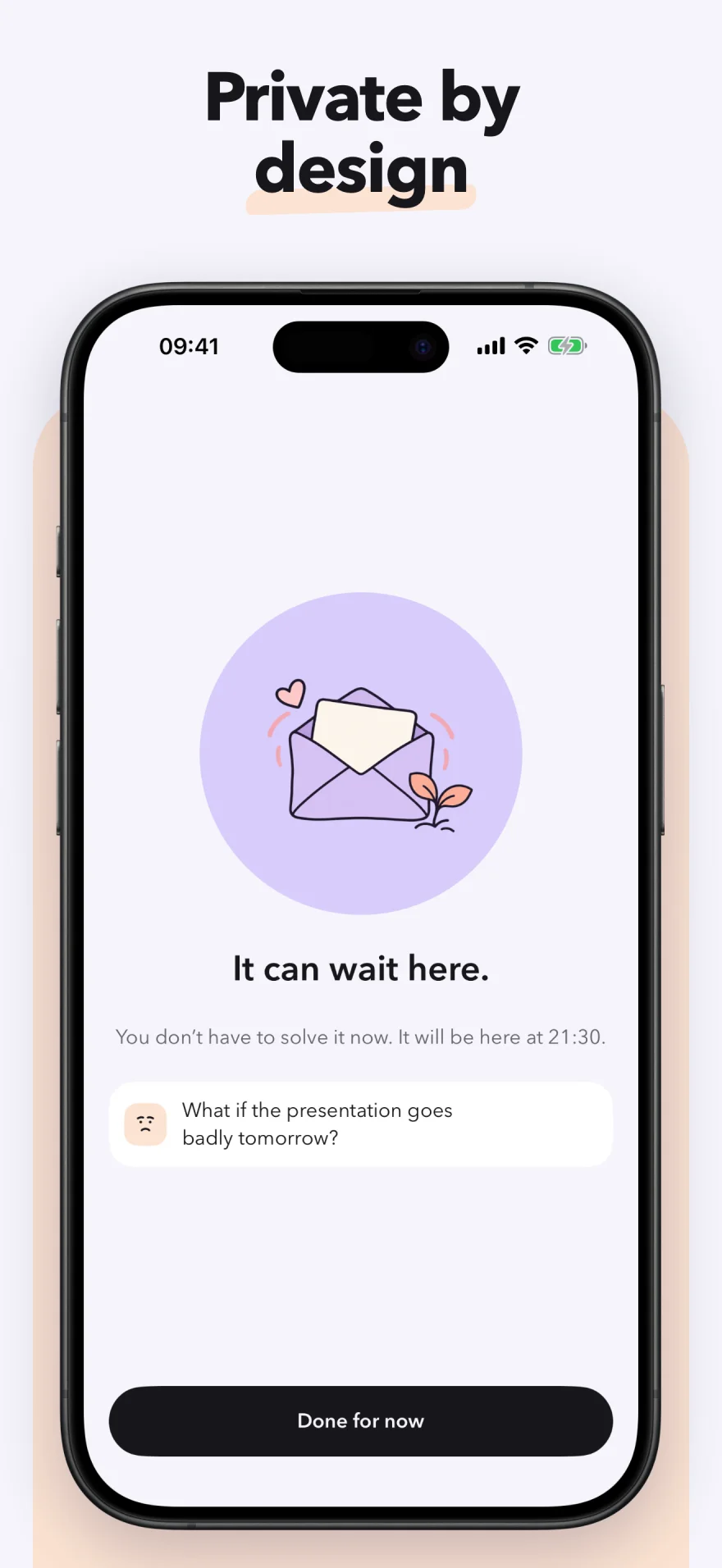
Your worries stay yours.
No account, no server, no ads, no behavioral analytics, and no cross-app tracking. Your worries stay on your iPhone and are only included in your normal encrypted iPhone backup.
- Stored on your device
- Lock with Face ID
- Content hidden when you leave
Clear limits
Worry Later is a self-awareness tool. It does not diagnose, provide medical advice or emergency care, or replace a qualified professional. If you may be in immediate danger, contact local emergency services.

Not every worry needs you now.
For iPhone with iOS 18 or later.